
Genovo offers an extensive customisation suite as standard. However, for those users looking to make their reports even more visually appealing and engaging for their clients, we also offer a premium customisation service that allows us to add professionally styled icons to your report section headings, helping create a even more polished and branded client experience.
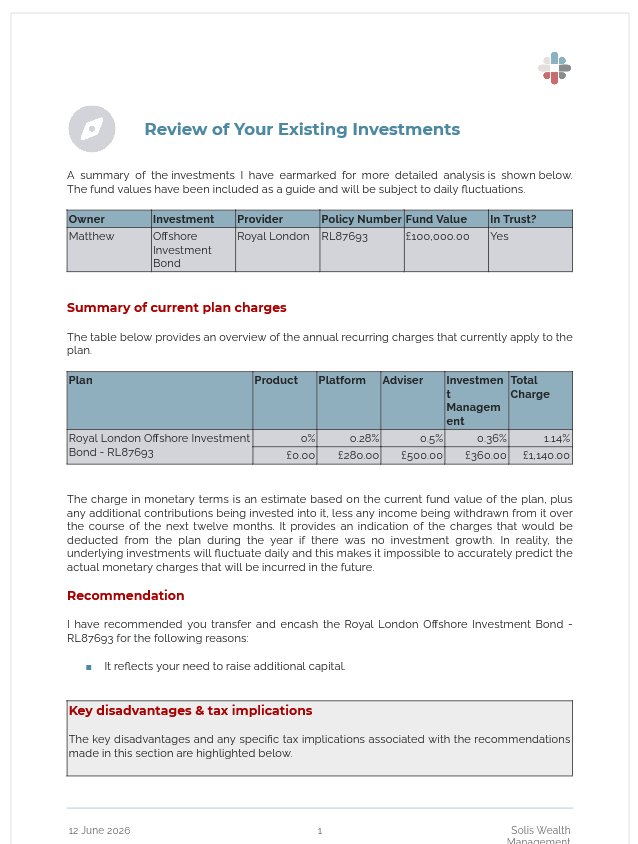 | 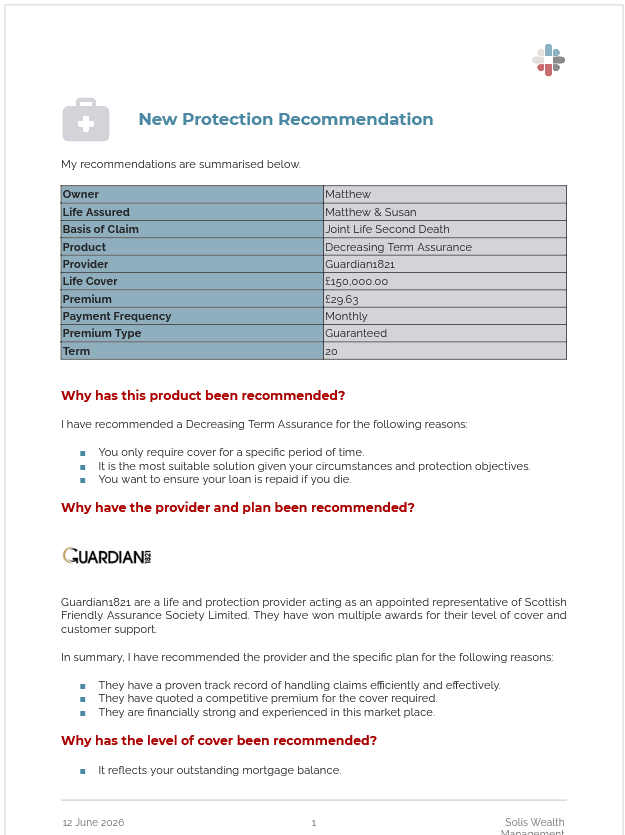 |
You can choose from a range of standard icons, which we'll customise to reflect your firm's branding and colour scheme, or we can incorporate your own icons if you'd prefer. However, please be aware if you do elect to use your own icons:
- There may be some limitations with what can be achieved; and
- Additional charges may apply.
Cost
This is a premium service which will incur a one-off charge of £200 + VAT (assuming you use the standard icons).
The process
To take advantage of this service, please follow these simple three steps:
- Review the Report Section Headings Icons Sheet and decide which icon you wish to use in each report section.
- Complete the Report Section Headings Icons Submission Form, confirming which icon should be used in which section as well as the colour of the icons. Then save the completed form locally on your computer.
- Email the completed Report Section Headings Icons Submission Form to support@genovo.co.uk and confirm you are happy to proceed and accept the quoted charge. If you are not in a position to authorise additional billable work within your company, please be sure to CC in someone who is able to consent to this work.
We will confirm safe receipt via return email and request any further information required. We will also confirm the expected timescale to implement your icon choices within your Genovo account. Turnaround times can vary, but will typically be within five working days.
If you'd like to discuss your requirements, please don't hesitate to contact us and we'll be happy to help.