The 4admin integration with Genovo isn't a direct app-to-app integration, but instead uses a browser extension to import plan information into a Genovo section. This Knowledge Base article explains how to install the browser extension.
Which plan types / sections in Genovo are covered?
The initial release "in beta" of the 4admin integration currently covers uncrystallised pension plans and can therefore only be used to add plans into the Review of Existing Uncrystallised Pensions section in Genovo. Integrations with further sections will be released in due course.
How do you add a plan from 4admin into Genovo?
- In 4Admin, select the plan you want to add in Genovo
- In your browser toolbar, click on the 4admin extension icon

- Click on Extract Data from Table
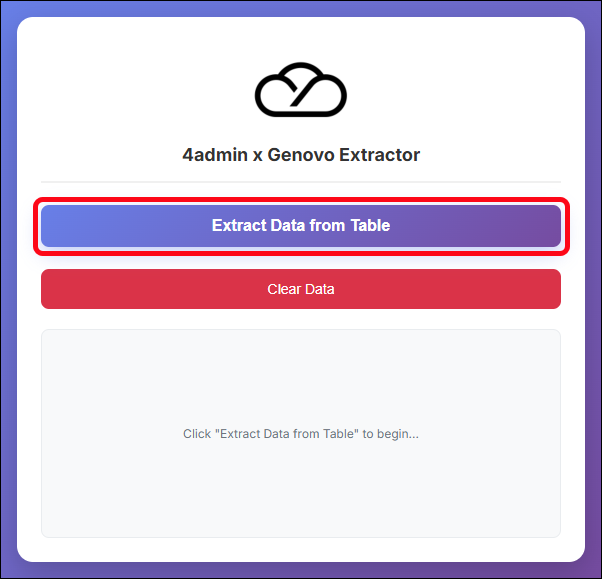
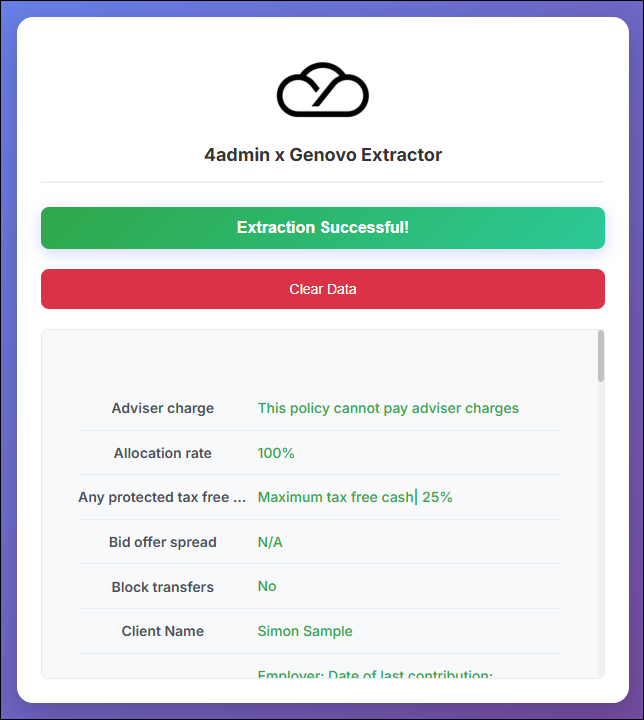
- This temporarily adds all the plan data into the browser extension:
- Now, go back to Genovo and click the Add plan button:
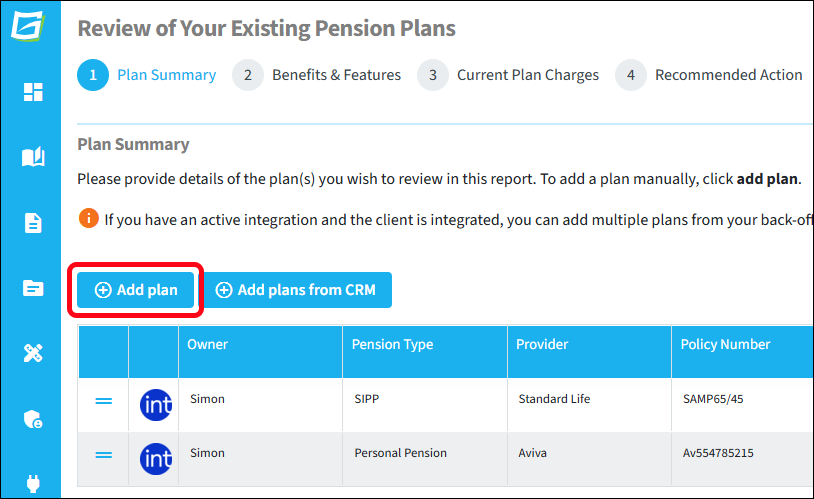
- Once the Add plan window is shown, click on the 4admin extension icon in your browser toolbar and then click Inject into Genovo
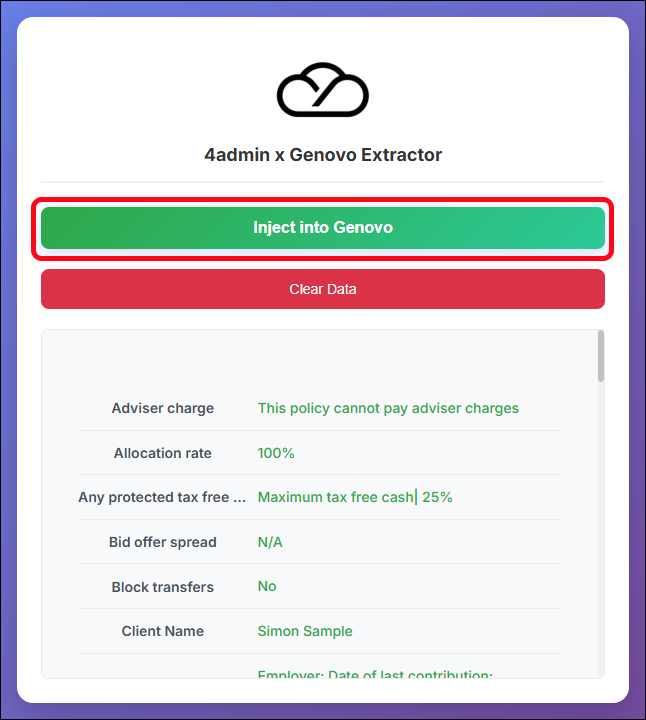
- 4admin will then populate many Genovo fields (often across multiple steps) and will then show a confirmation message that the data injection was successful, as well as displaying which data items were injected:
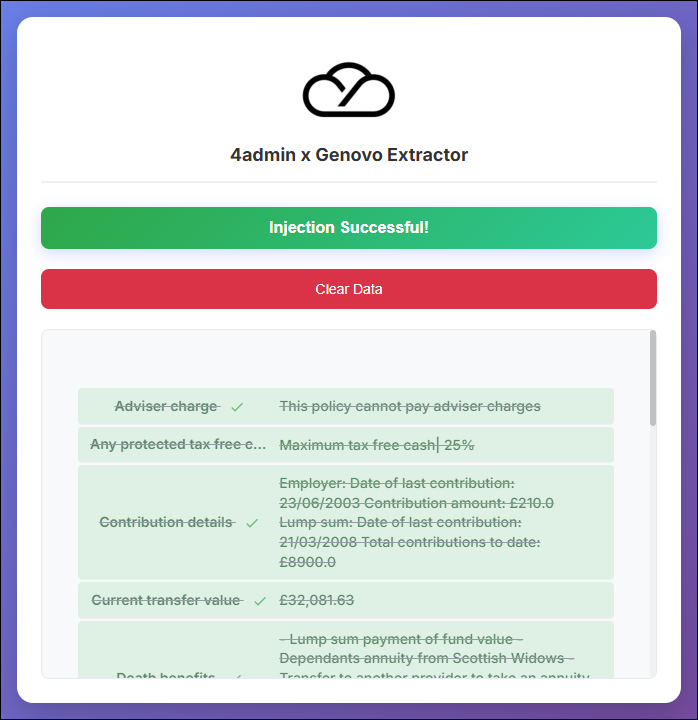
- Finally, for data security purposes, click the Clear Data button to remove all the data from the browser extension: